


XPENG App v2
Walkthrough of the classic XPENG mobile app before the version 3.0 redesign.
Older app layout: This guide matches the mobile app before the version 3.0 redesign. Screenshots show the classic interface (around v2.38) captured from the Danish app; your menus may look different if you already have v3 or use another language. For today’s app, see the XPENG App v3 guide.
The app is organised in five main areas:
- Explorer - shortcuts to XPENG website content
- Services - workshop booking, service history, roadside assistance
- My XPENG - home screen for controlling the vehicle
- Events - events, owner programmes, questionnaires
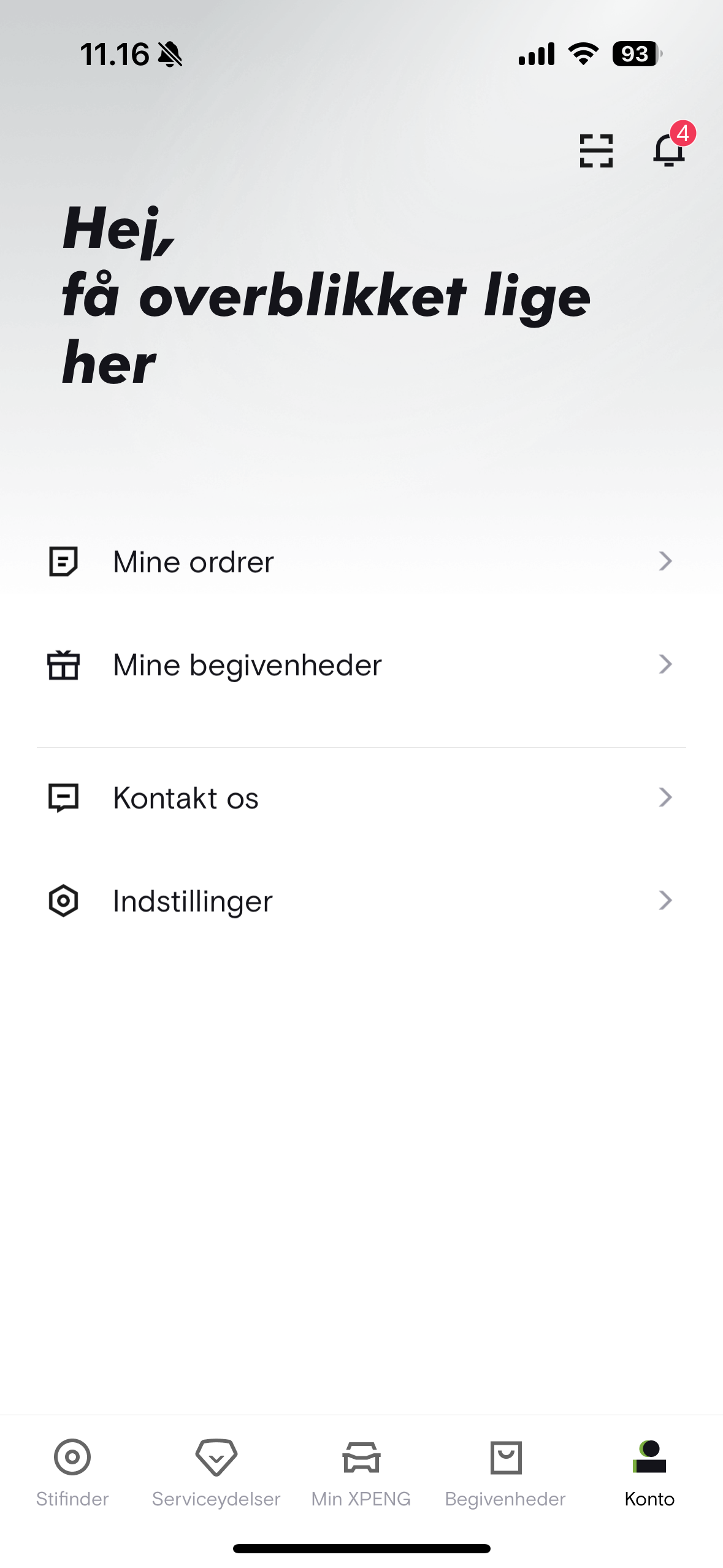
- Account - profile, notifications, orders, app settings
Because My XPENG is the app’s home page and the hub for vehicle control, we cover it first.
Jump to: My XPENG · AC · Settings · Map & Location · Parking assistance · XCOMBO · Explorer · Services · Events · Account
My XPENG
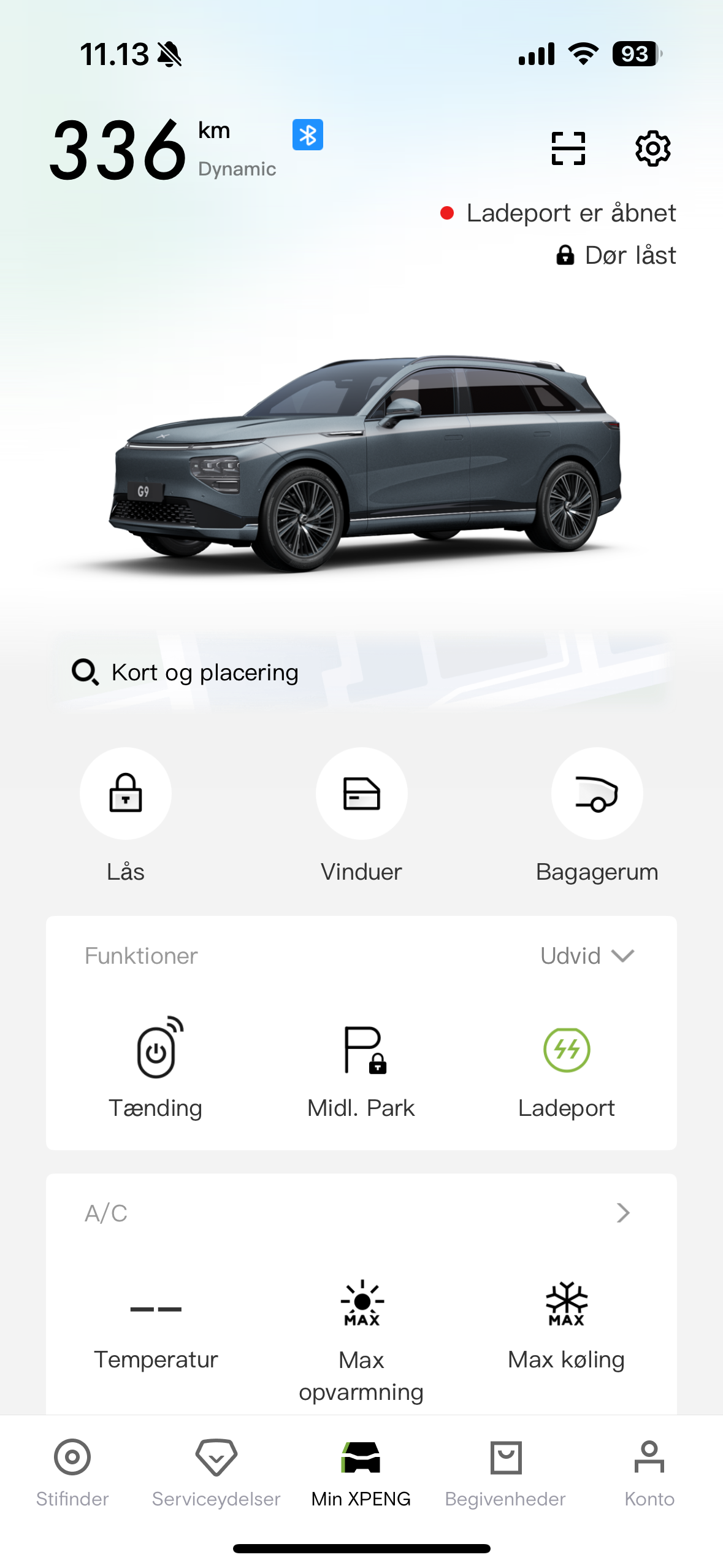
This is where you operate your XPENG and view information about the car.
- Remaining estimated range as WLTP or dynamic (selected in the car)
- Connection status - Bluetooth = blue icon, 4G = gray icon
- QR scan to switch accounts in the car
- Map showing your position and the car’s location; search addresses and send to in-car navigation
- Lock/unlock; remote start when connected via 4G
- Open/close windows, trunk, and charge port
- Start the car
- Temporary parking - locks without alarm and keeps the AC running
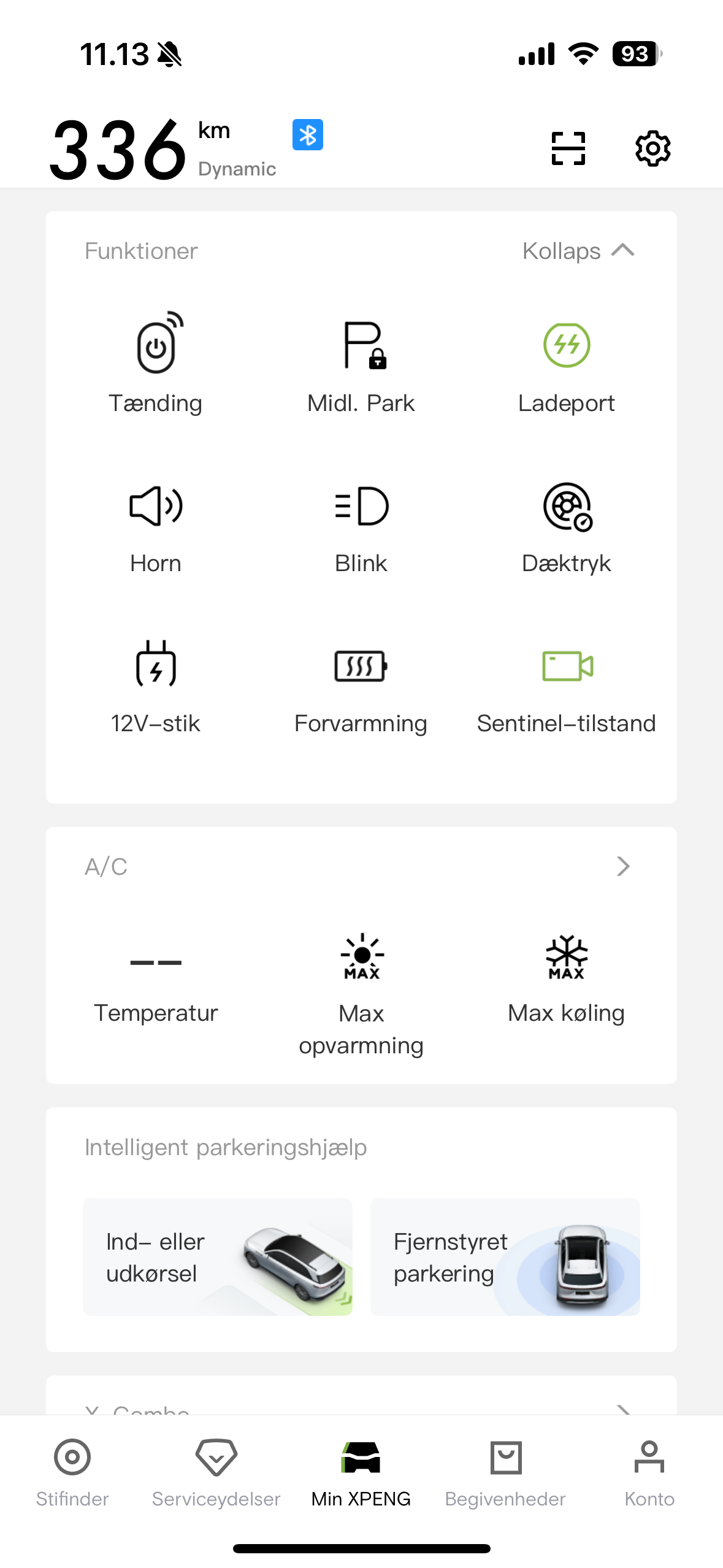
- Horn, light flash, TPMS check, 12 V outlet in trunk
- Battery pre-heating (requires AC charge cable; can be scheduled in the car)
- Sentinel Mode, tow bar, climate control, parking assistant
- XCOMBO macros
AC
- Turn AC on/off and set cabin temperature
- Steering-wheel heat (3 levels; auto-off after 15 minutes)
- Seat heat (3 levels, all four seats; auto-off after 15 minutes)
- Front-seat ventilation (3 levels; auto-off after 15 minutes)
- Max heat, Max cool, sterilisation, window refresh, AC cleaning
- Front windscreen defrost and rear window heat (rear includes side mirrors)
- Schedule automatic AC start
- Vehicle settings shortcut

Settings
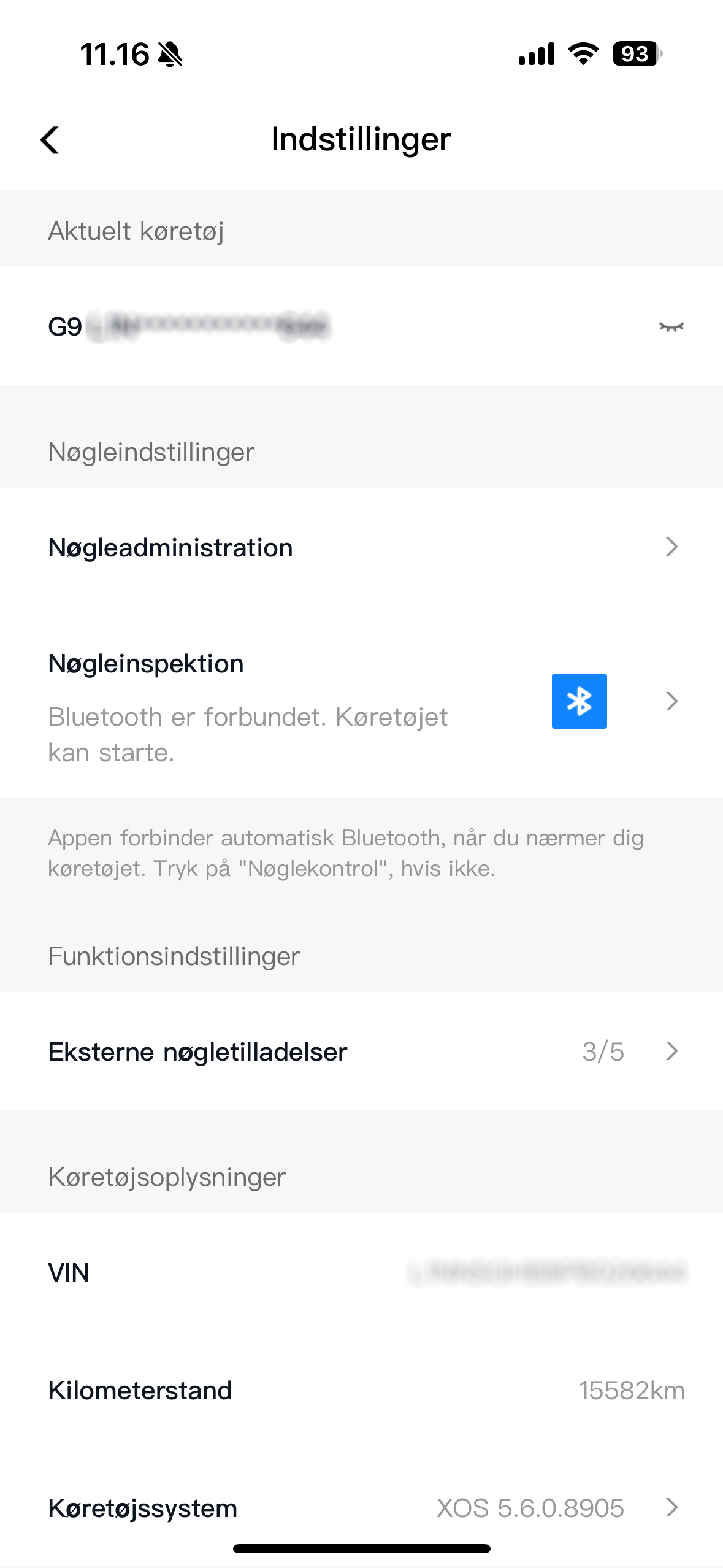
- VIN (Vehicle Identification Number)
- Mobile digital key setup and test
- Share access with up to five users (each needs their own XPENG account)
- Odometer reading
- XOS version and release notes
Map & Location
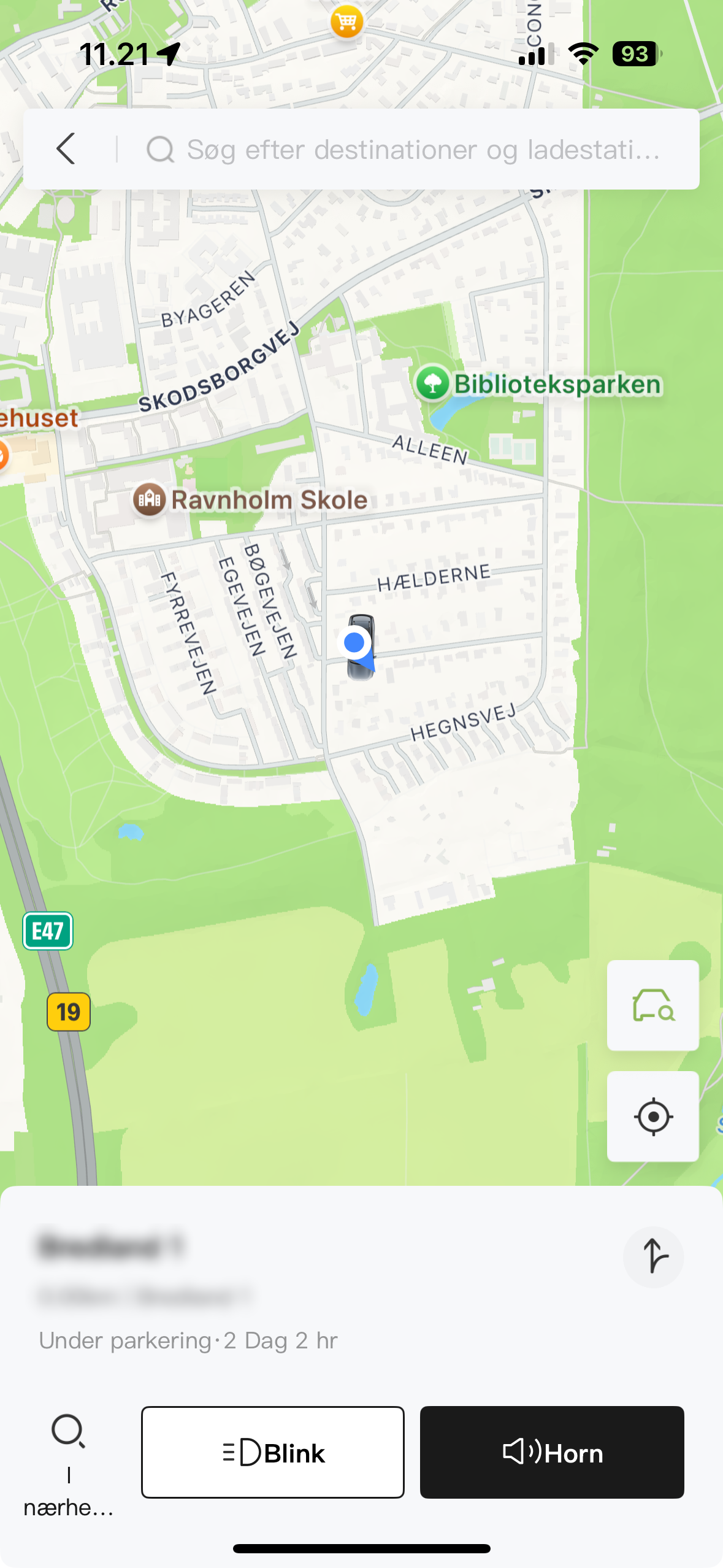
- View your position and send it to in-car navigation
- Locate the vehicle (primary account only)
- Flash lights, honk horn, share location to Google/Apple Maps
- Search destinations and chargers, then send to the navigation system
Parking assistance
- Entry/exit maneuver: slow straight-line driving forward or backward; stops 30 cm before an obstacle
- Remote parking assistant: the car parks itself in the selected bay in a parking lot
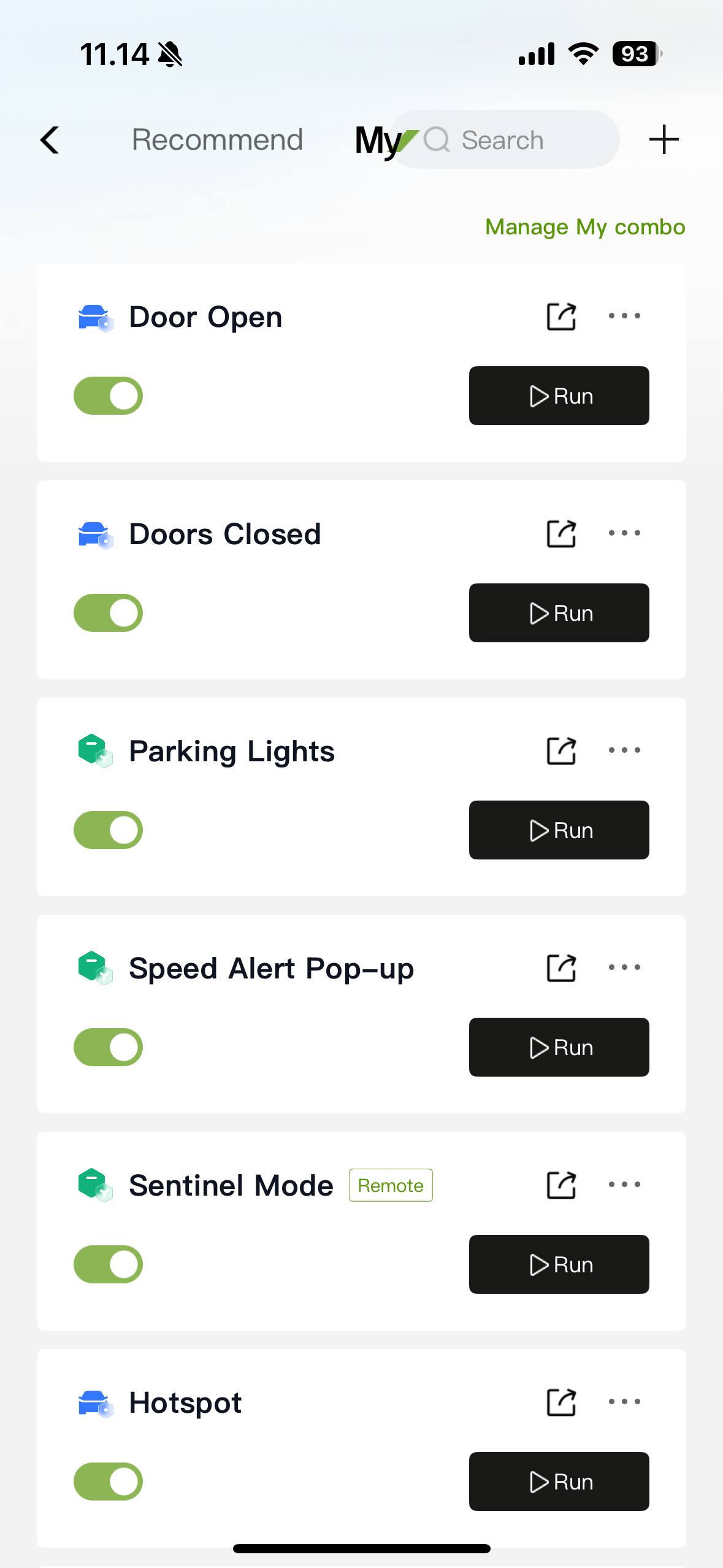
XCOMBO
Automate actions by linking Conditions and Actions. In v2.38 the in-app labels were not yet fully localised to Danish.
See the complete list of options: go.xpeng.guru/xcombooptions.
Get inspiration for your own XCOMBOs: go.xpeng.guru/xcombocollection.
As things stand, every XCOMBO you create is personal. If someone else has driven the car and is logged in to the vehicle, the XCOMBOs on your account cannot be activated until you log back in.
There are two temporary work-arounds:
- Ensure every driver has the same XCOMBOs set up, so it does not matter who triggers them.
- Use the same XPENG account across all users. You will then need to switch driver profiles manually in the car after someone else has driven.
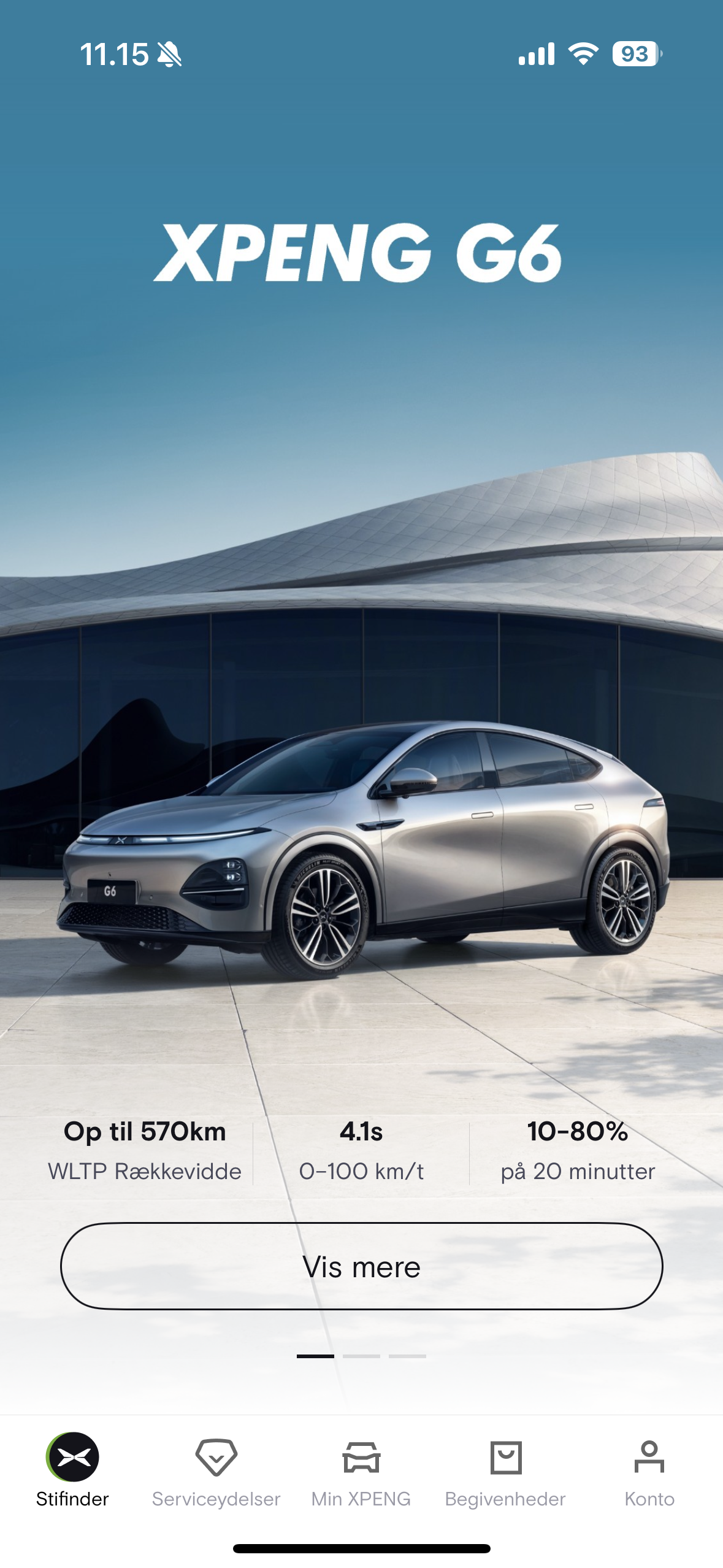
Explorer
Explorer is a shortcut to XPENG website content - vehicles, customer service, financing and leasing, and service centers.
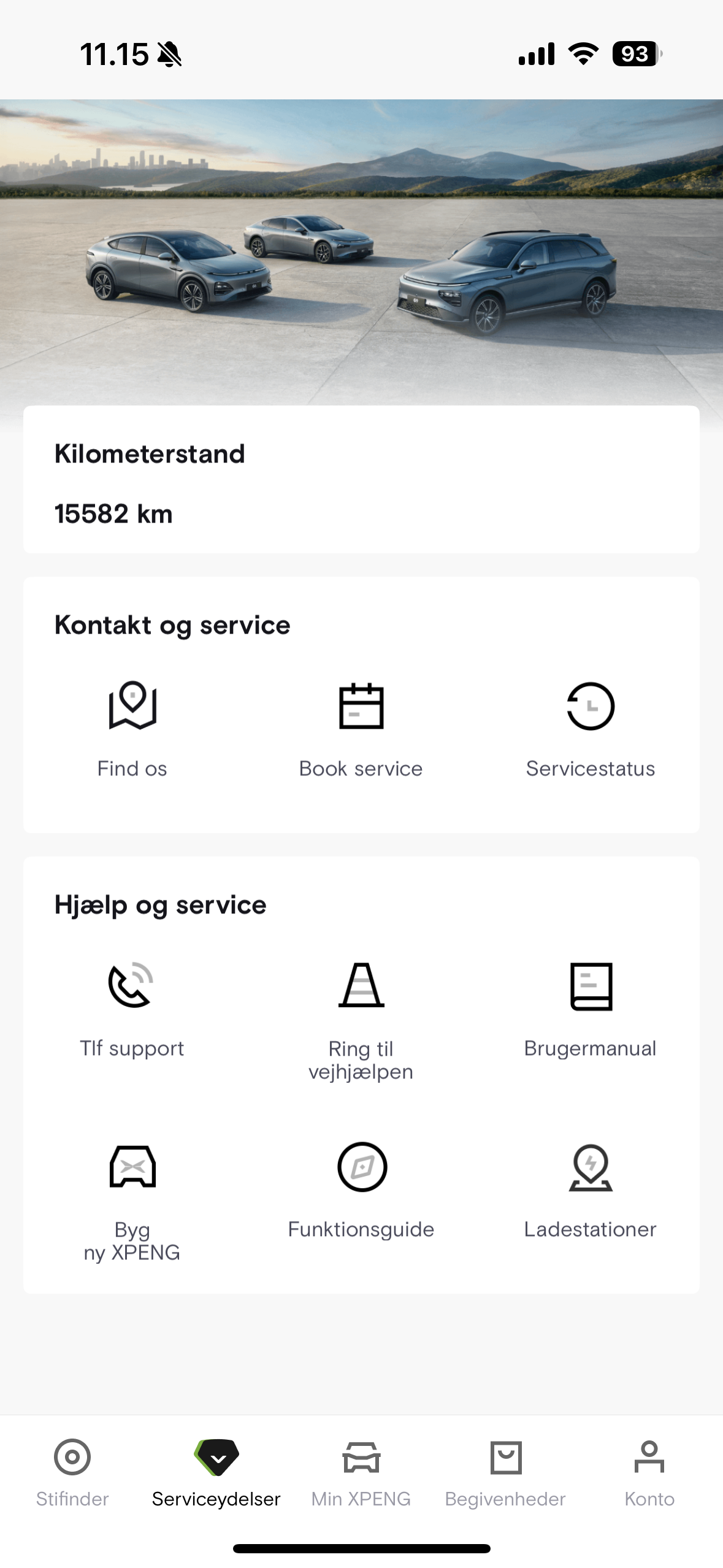
Services
- View the vehicle’s odometer reading
- Find addresses for dealers and service centres
- Book service and repair appointments
- View service history
- Contact information for XPENG and roadside assistance
- Link to the manual
- Order a new XPENG
- Links to guides
- Search for charging stations
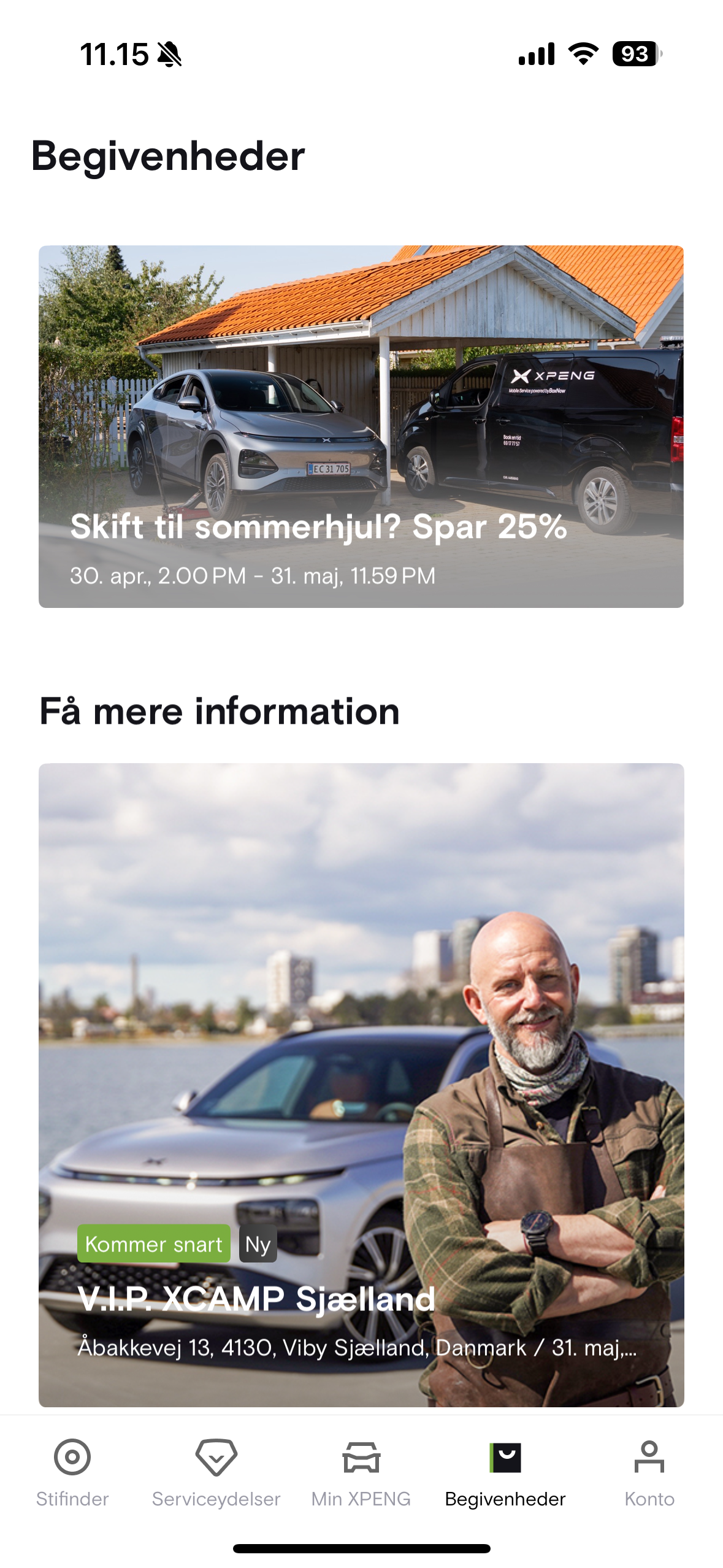
Events
Under Events, view invitations to social gatherings and user surveys, and apply for beta programmes when registration opens.
Account
- Notification centre with messages from the car and from XPENG
- Order(s) and their status
- Events you are registered for
- Contact XPENG by email and send a log file
- App and account settings
- Region / language selection
- Notification-centre configuration
Related: XPENG App v3 (current app) · XPENG App hub · Software