

See how the car's systems work, or get help with settings and everyday features.
Understand your XPENG
-
Roadmap for your XPENG
XOS 6, Google Maps, NGP and the new voice assistant: XPENG’s announcements alongside my own hopes and expectations for European models.
-
VLA: the model behind NGP
VLA 2.0 is a unified model that takes the camera images and an instruction and returns the driving decision. What the second generation adds, and what XPENG has stated about Europe.
-
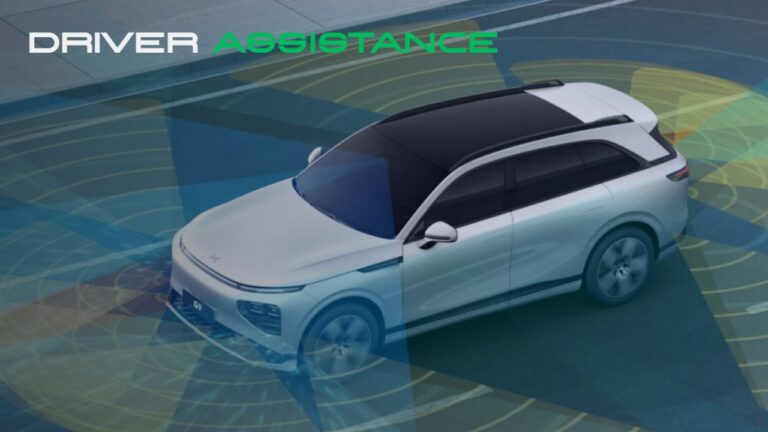
Driver assistance: hardware and software
Bosch, NVIDIA Orin-X or XPENG’s own Turing: what hardware and software does your car have, and what separates the European models from the Chinese ones?
-
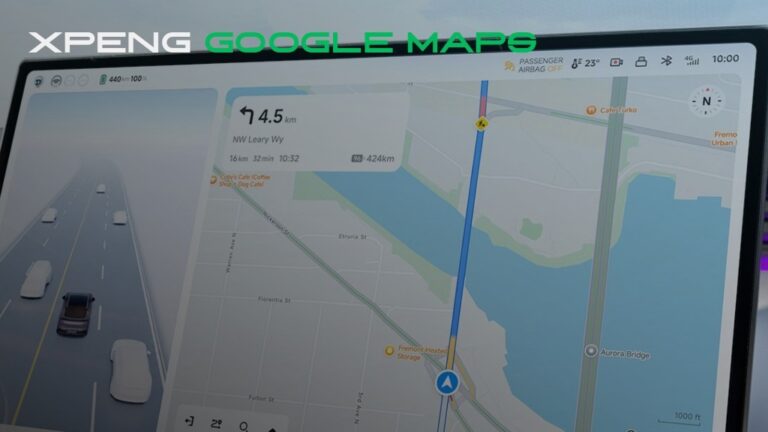
XPENG and Google Maps
XPENG switching to Google Maps for overseas vehicles.
-
XPENG OTA
How OTA updates reach Europe - beta phases, installation, and what to expect.


Practical guides
-
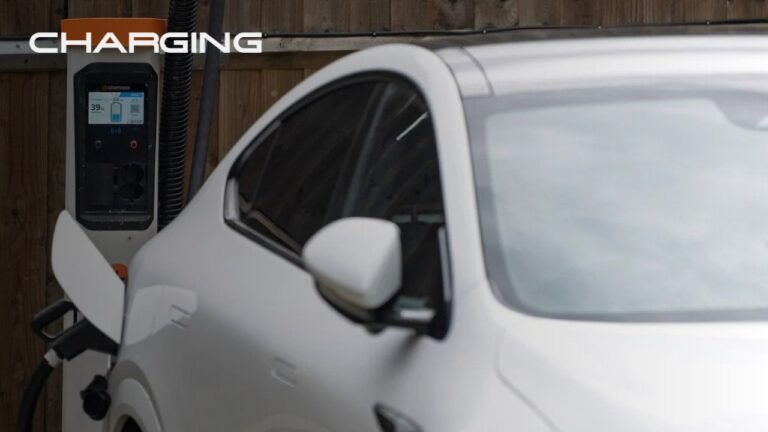
Charging your XPENG
The technology behind XPENG’s high charging speeds, with practical guidance for charging at home, on a journey and when something goes wrong.
-
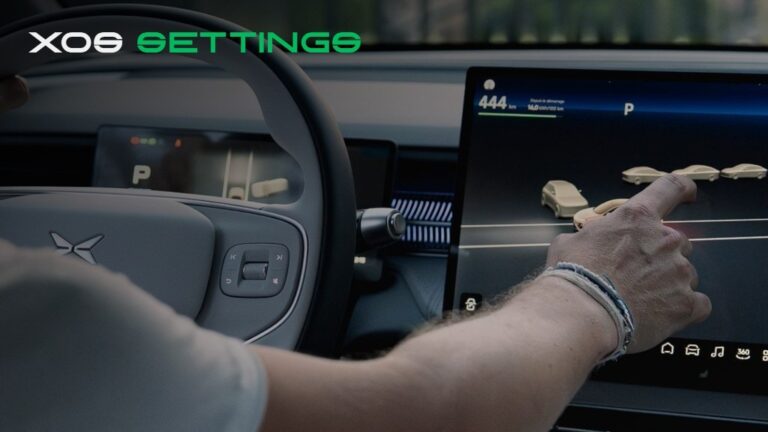
XOS Settings
Recommended XOS settings - an overview of the main in-car menus.
-
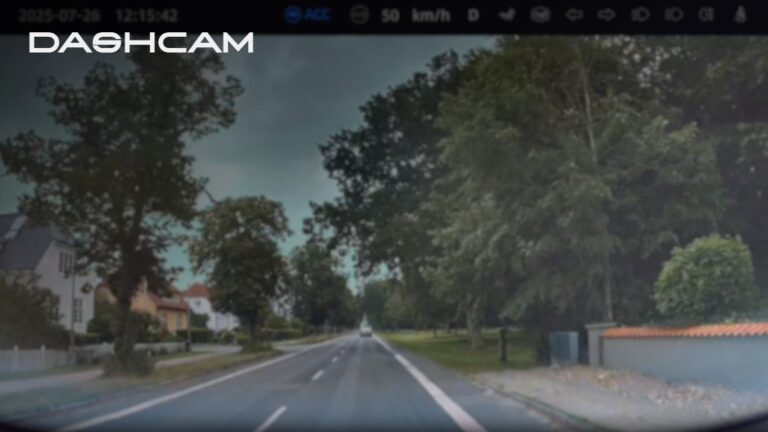
Dashcam
How to set up the built-in Dashcam, store clips, and export them.
-
P-Comfort
Keep climate and screens on while parked - P-Comfort replaces XPARK from XOS 5.9.5.
-
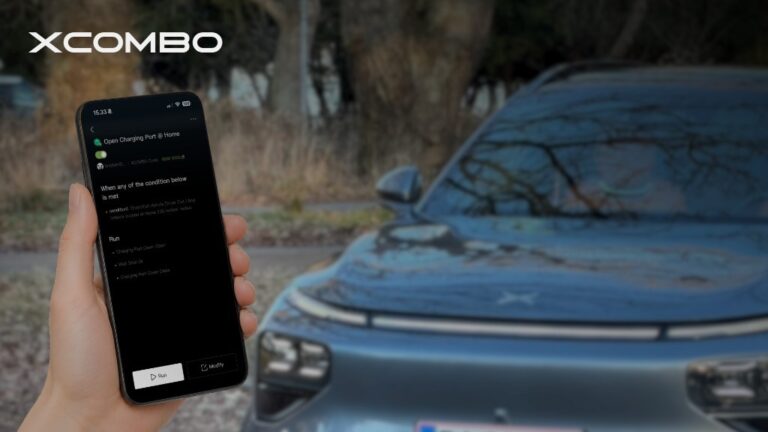
XCOMBO
Automate in-car routines with IF/THEN rules in the XPENG app.
-
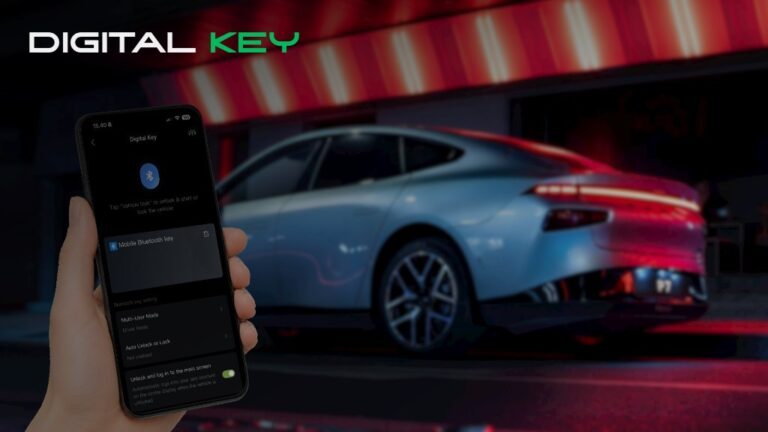
Digital Key
Use your phone as the key - unlock, drive, and share access without the physical fob.
-
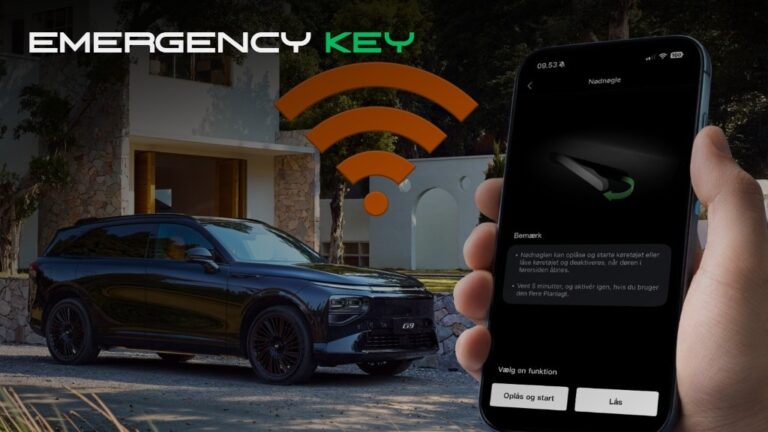
Emergency Key
Unlock and start via the app hotspot when the Bluetooth digital key is unavailable.